Promeing — AI agency · Tirana · Nürnberg · Paris · Zürich

Intelligence is an engineering problem.

We treat it like one.

Promeing designs, builds and deploys intelligent systems for companies building what comes next: agents, automation, computer vision, robotics and private AI.

Skip the sequence

Studios CET

Every company is already a system: orders, documents, machines, conversations, decisions.

Most of it never gets anyone’s full attention.

People spend their days moving information between screens, and what matters waits behind what doesn’t. Most AI stops at the demo. The demo is the easy part; we build the part that has to work on Monday morning.

We build intelligence that reads all of it, acts on what it can, and brings people only what needs a person.

02System

From signal to system.

02.1Survey

First we look at the system as it actually runs. Where work waits, it piles up.

Visualisation: a company drawn as points. Work flows between seven areas and piles up where it waits.

  • Customers: Questions, requests and orders arriving
  • Orders: Orders taken, changed and confirmed
  • Documents: Forms, invoices, contracts and records
  • Finance: Invoices, approvals and payments
  • Operations: Planning, stock and delivery
  • Machines: Equipment, sensors and production
  • People: Expertise, judgement and decisions

Where does work wait in your company?

Choose one. It marks the map and starts your brief.

02.2Model

Then we design what it attends to, what it does, and when it asks a person.

Visualisation: the same map with an agent beside each knot and one person who approves the exceptions.

02.3Engineer

We engineer it to production standard: integrated, private, tested, monitored.

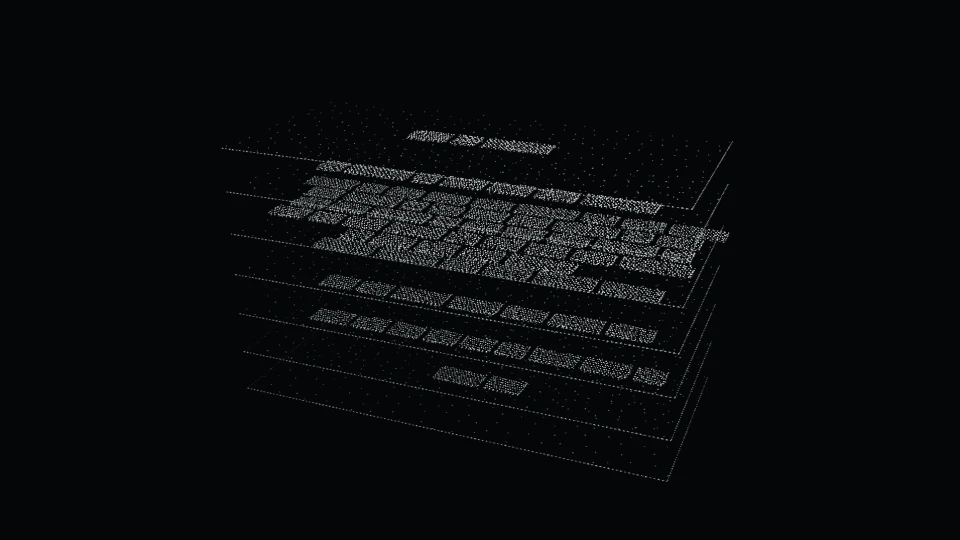
Visualisation: the system as five stacked layers, from infrastructure to interface, with an evaluation gate.

  1. Interface
  2. Evaluation gate
  3. Agents
  4. Retrieval
  5. Data
  6. Infrastructure

02.4Commission

It goes into service in stages. It starts working, and people decide what it can’t.

Visualisation: the system in service. The flow runs smoothly and the knots have gone.

02.5Learn

One system at a time, the company gets more capable.

Visualisation: many small systems inside the outline of one company.

03Capabilities

Built to perceive. Engineered to act.

Eight capabilities in three tiers: deciding what to build, the systems themselves, and what they stand on.

  • Not everything needs an agent. Some of it needs a workflow. We’ll tell you which.
  • Sometimes the right answer is a spreadsheet. We’ll tell you that too.
Skip the sequence

DirectionDeciding what to build

  1. Decide what to build, in what order, and what shouldn’t be AI at all.

    Includes

    • Opportunity discovery and system audits
    • Data-readiness and risk assessment
    • Implementation strategy and roadmaps
    • Build, buy or partner decisions
    • Adoption, change management and team training
    • AI policy and governance frameworks

    Applications

    1. A ranked map of where AI pays back across an operation, and where it doesn’t
    2. A staged roadmap from first pilot to production, with go / no-go points
    3. Training the teams who will supervise and correct the systems they work beside

    Under the hood

    • Process mining over event logs
    • Value and feasibility scoring
    • Data-readiness profiling
    • Risk classification against the EU AI Act categories
    • Total-cost models for build, buy or partner
    • Pilot design with a measured baseline

    How we test it

    A roadmap is tested like a system. Every opportunity carries acceptance criteria and a baseline measured before anything is built, so the first pilot is judged against numbers agreed in advance. Each stage ends at a go / no-go point, and no is a valid answer.

    Start a brief about this Open

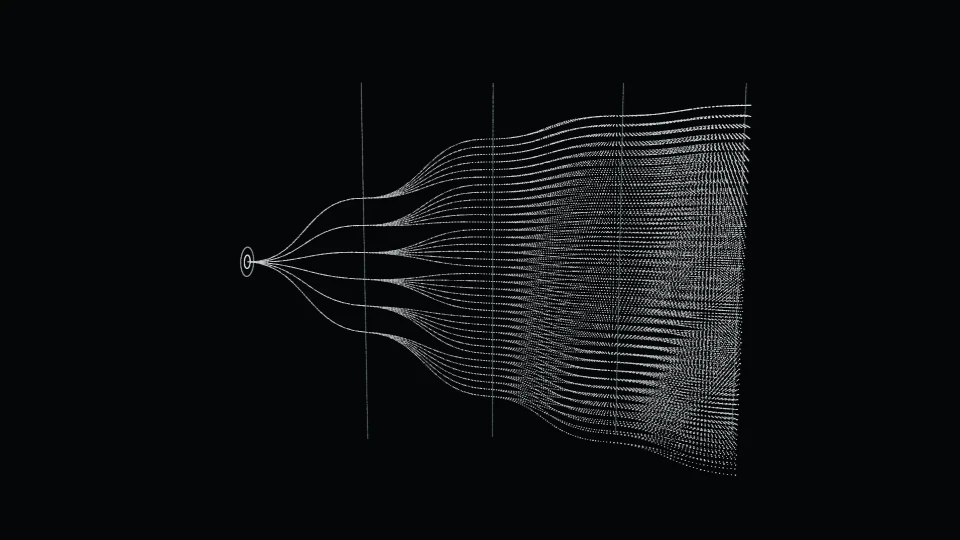
    Fig. 03.01Possibility fan

    Apply a constraint to prune the routes. Click the fan to pin one in place.

    Live view is off on this device.

SystemsThe systems themselves

  1. Software that takes the next step on its own, inside your tools and within limits you set, and asks a person when it should.

    Includes

    • Autonomous, tool-using and multi-agent systems
    • Orchestration, planning and guardrails
    • Voice agents and customer-service agents
    • Internal agents and copilots over company knowledge
    • Human approval, permissions and full decision traces
    • Agent evaluation before every release

    Applications

    1. A service agent that resolves routine requests within written policy and hands the rest to a person with the case already written up
    2. An operations copilot that files, chases approvals and drafts replies in the tools the team already uses
    3. A research agent that prepares sourced account briefs before every meeting

    Under the hood

    • Tool calling with typed schemas
    • Planner–executor orchestration
    • Least-privilege permissions per tool
    • Policy guardrails as code
    • Retrieval with citations
    • Speech recognition and synthesis for voice
    • Replayable decision traces

    How we test it

    Before release, every agent runs a scenario suite written with the people who do the work today: routine cases, edge cases and cases it must refuse. We score task completion, policy adherence, tool-call correctness and the quality of each hand-off, and a release that scores worse does not ship.

    Start a brief about this Open

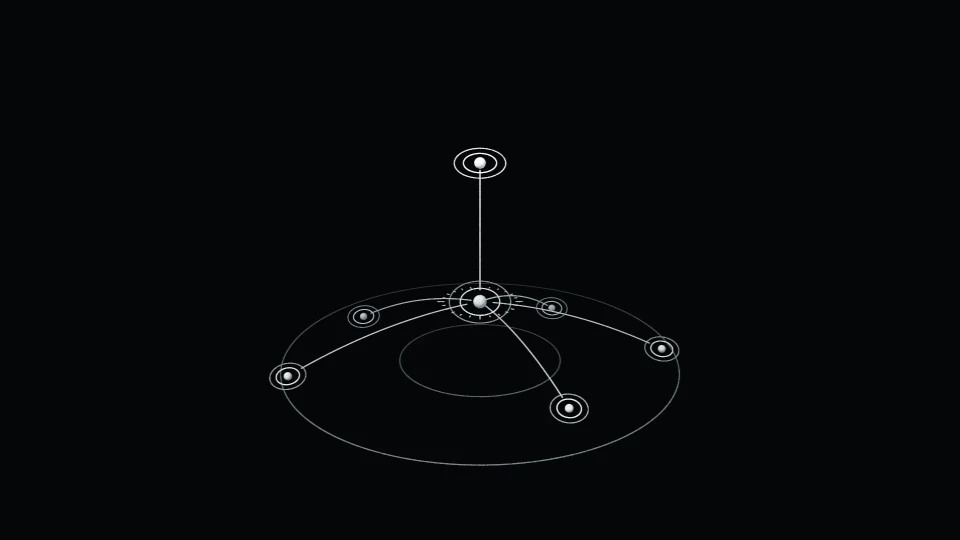
    Fig. 03.02Orchestration graph

    Dispatch a task. Hover or tap a tool to take it offline and watch the route re-plan.

      Orchestrator Person approves

      Live view is off on this device.

    1. The back office, running between people instead of through them.

      Includes

      • Business-process and workflow automation
      • Document intelligence: extraction, classification, reconciliation
      • Back-office and finance operations
      • Sales and revenue operations
      • Internal tools
      • ERP and CRM integration

      Applications

      1. Invoices read, matched against orders and posted, with exceptions routed for approval
      2. Order intake from email straight into the ERP
      3. Multilingual document processing, designed from the start for Albanian as well as English

      Under the hood

      • Layout-aware document extraction
      • Classification with confidence thresholds
      • Three-way matching: order, delivery, invoice
      • Idempotent workflow steps with retries
      • ERP and CRM connectors over APIs
      • Exception queues with full context

      How we test it

      We measure extraction accuracy per field, per document type and per language, on a labelled set drawn from your own documents and used with consent. Each automated step runs in shadow mode beside the current process before it acts, and confidence thresholds decide what is posted and what goes to a person.

      Start a brief about this Open

      Fig. 03.03Document streams

      Move the slider from manual to automated.

      Live view is off on this device.

    2. Intelligence people actually use: products, platforms and interfaces built around how AI behaves.

      Includes

      • Custom AI applications
      • AI SaaS and platforms
      • Intelligent dashboards and operations consoles
      • Conversational and multimodal interfaces
      • Interface patterns for uncertainty, citations, approvals and undo
      • Design systems and front-end engineering for AI products

      Applications

      1. An operations console that explains every recommendation it makes
      2. A client-facing AI product taken from prototype to launch
      3. A knowledge interface that shows the source behind every answer

      Under the hood

      • Streaming interfaces for model output
      • Citation and source-preview patterns
      • Visible confidence and uncertainty
      • Approval, undo and audit flows
      • Design systems and component libraries
      • Typed APIs to the model layer

      How we test it

      Interfaces are tested with the people who will use them, on real tasks, before launch. We check that every answer shows its source, that uncertainty is visible where it matters and that every automated action can be reviewed and undone, then audit accessibility and run regression tests on every release.

      Start a brief about this Open

      Fig. 03.04Lineage

      Hover, tap or focus a panel to trace what it stands on.

      Interface skeleton of an AI product: a list, a chart without values, a detail view with citations and an ask bar, above the model, retrieval and data layers it stands on. Ranking model Forecast model Language model Search index Vector index CRM Documents Warehouse ModelRetrievalData

      Live view is off on this device.

    3. Systems that see what’s in front of them and report what matters.

      Includes

      • Detection, segmentation and multi-object tracking
      • Visual quality inspection
      • Retail and site analytics, privacy by design
      • Safety-zone monitoring without identifying people
      • Pose estimation and robotics vision
      • Synthetic training data

      Applications

      1. Surface-defect inspection on a production line, with uncertain cases sent to a person
      2. Tracking parcels and containers through a yard or warehouse
      3. Monitoring safety zones around machines without storing faces

      Under the hood

      • Object detection and instance segmentation
      • Multi-object tracking with persistent IDs
      • Few-shot anomaly detection for defects
      • Pose estimation
      • Edge inference on embedded GPUs
      • Synthetic data and domain randomisation

      How we test it

      We measure precision and recall on held-out footage from your own site, broken down by lighting, angle, product variant and shift. Thresholds are set with the people who handle the exceptions, and every uncertain case goes to a person, then back into the training set.

      Start a brief about this Open

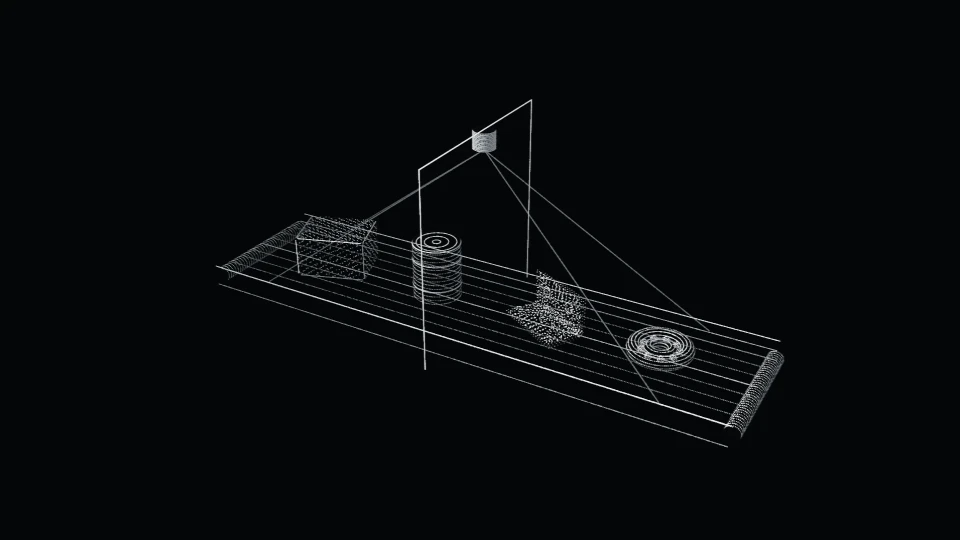
      Fig. 03.05Point-cloud conveyor

      Drag a part off the line: the tracker keeps its ID. Arrow keys cycle the detections.

      Live view is off on this device.

    4. Image, video and language engines that follow your rules: on brand, reviewable, repeatable.

      Includes

      • Image and video generation pipelines
      • Brand content systems built on approved guidelines
      • Creative tooling for in-house teams
      • Content engines with review and approval gates
      • Localisation across markets
      • Provenance and content credentials

      Applications

      1. Catalogue-scale product imagery consistent with brand rules
      2. Localised campaign variants with human sign-off
      3. A video pipeline with approval at every step

      Under the hood

      • Diffusion with reference and structure conditioning
      • Adapters trained on approved brand material
      • Fixed seeds for reproducible output
      • Automatic brand-rule checks before review
      • Language models with terminology constraints
      • C2PA content credentials

      How we test it

      Every pipeline runs against a review set approved by your brand team. Outputs are checked automatically for guideline breaches, we track how often a person accepts, edits or rejects, and every seed and parameter is kept so any approved result can be reproduced exactly.

      Start a brief about this Open

      Fig. 03.06Denoise

      Point to condition an area: it resolves first. Approve locks the seed.

      Live view is off on this device.

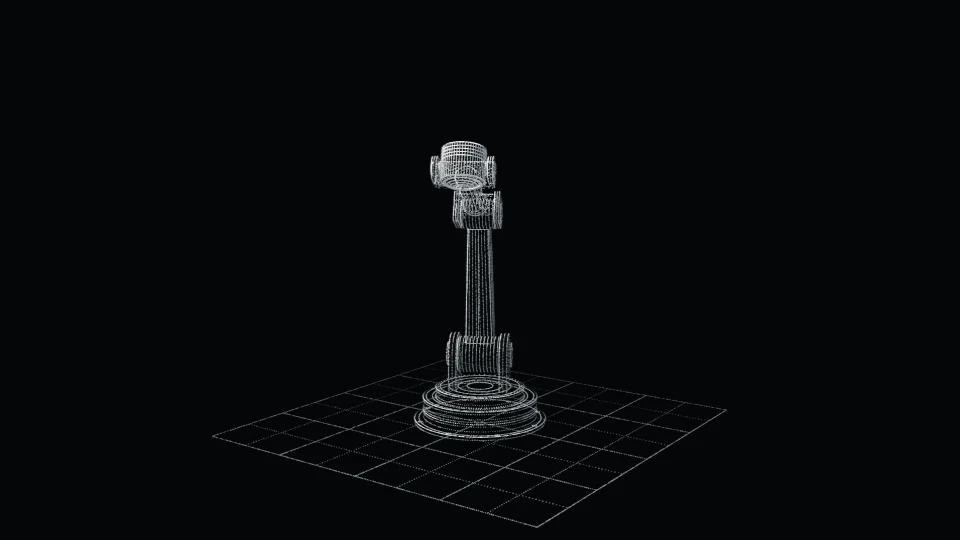
    5. Intelligence with a body: perception, planning and control for machines that work in the real world.

      Includes

      • Robot perception and manipulation
      • Vision-guided inspection and pick-and-place cells
      • Simulation and digital twins before hardware is bought
      • Human-machine interfaces for supervising robots
      • Edge deployment on constrained hardware

      Applications

      1. Vision-guided picking of variable parts
      2. Simulating a robotic cell to test layout and cycle logic before purchase
      3. Operator consoles that show what a robot perceives and why it acts

      Under the hood

      • Inverse kinematics and motion planning
      • Grasp planning from depth and point clouds
      • Hand–eye calibration
      • Physics-based simulation and digital twins
      • ROS 2 integration
      • Safety-rated stops and supervised operation

      How we test it

      Every cell is tested in simulation first, against the layouts, cycle logic and part variants it will meet, before any hardware is committed. On site it runs supervised and in stages, and pick success, cycle stability and safe-stop behaviour are measured before it works on its own.

      Start a brief about this Open

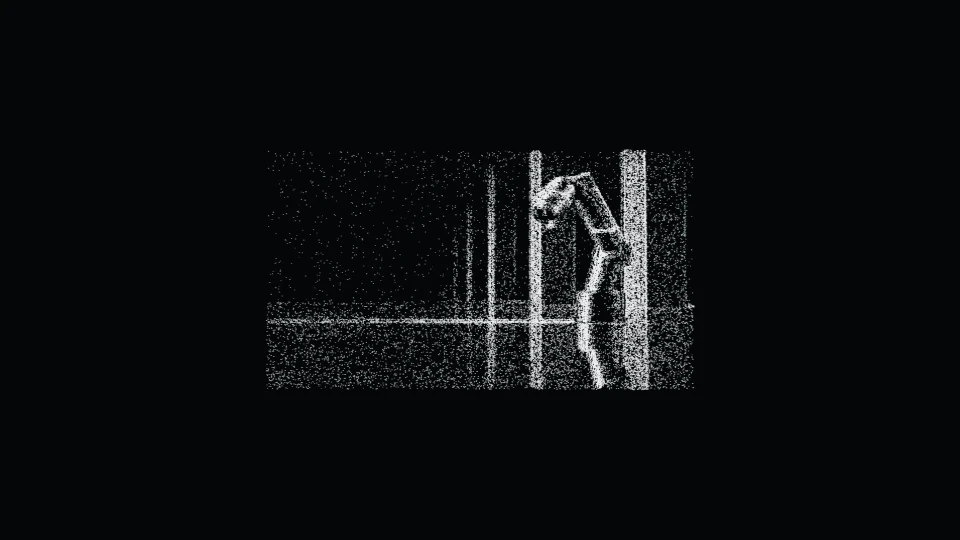
      Fig. 03.07Reach

      Point to set a target. Show the workspace to see what the arm can reach.

      Live view is off on this device.

    FoundationWhat they stand on

    1. What every system stands on: your data, your models, your rules. Private, measured, governed.

      Includes

      • LLM integration and model selection
      • Retrieval (RAG) and knowledge bases
      • Private and on-premise AI
      • Evaluation, testing and observability
      • Security, access control and governance, including EU AI Act readiness support
      • Data pipelines

      Applications

      1. Private retrieval over internal documents, where every answer cites its source
      2. An evaluation suite that gates every model or prompt change
      3. Pipelines that make years of documents searchable

      Under the hood

      • Hybrid retrieval: BM25 and dense vectors
      • Re-ranking and paragraph-level citations
      • Open-weight models served privately
      • Evaluation gates on every change
      • Tracing and observability for model calls
      • Document-level access control

      How we test it

      Retrieval is measured against questions your teams write, each with the passages that should answer it: recall at k, citation accuracy, and how often the system correctly declines when sources are missing or disagree. Evaluation runs on every model, prompt or data change, and a release that scores worse does not ship.

      Start a brief about this Open

      Fig. 03.08Strata

      Ask about Promeing. Retrieval runs in your browser, over this page’s own text.

      Live view is off on this device.

    04Work

    Selected work.

    06 entries

    Studio concepts, each labelled for what it is. Client work appears here only with the client’s permission.

    Status labels

    • ConceptA studio study. The imagery is a visualisation: no client, no deployment, no measured result.
    • ExperimentalRuns as a live simulation, on simulated data.
    • DemoA working interface, shown with sample data.
    • Client workReal work, published with the client’s permission.

      Showcase · 06

      1. Concept01 / 06 Visualisation: a long row of graphite machining centres in a dark concrete hall, a thin cyan scan line running across them and reflecting in the polished floor. Operations Intelligence Platform Scenario set in Zürich · Precision manufacturing A live graph of a multi-site plant, with drift detection on every machine and a planning agent whose schedule changes a planner approves. Open case
      2. Concept02 / 06 Visualisation: a sound waveform built from slender graphite rods stands in a dark hall with tall windows, a thin cyan scan line running along it. Autonomous Customer Intelligence System Scenario set in Paris · Insurance customer operations Voice and text agents that resolve routine insurance requests within written policy limits, cite the policy wording they rely on, and hand everything else to a person with the case already written up. Open case
      3. Concept03 / 06 Visualisation: a long aisle of pallet racking in a dark warehouse, a cold cyan scan line running along both sides at shoulder height. Business Operations Platform Scenario set in Tirana · Distribution and trade Bilingual document intelligence for a distributor: invoices, orders, contracts and customs documents become structured records, reconciled and routed, with an assistant that answers from the company’s own records. Open case
      4. Concept04 / 06 Visualisation: a camera on a robotic arm projects cyan structured light onto a row of machined aluminium brackets on a dark conveyor. Autonomous Vision System Scenario set in Nürnberg · Industrial inspection and robotics A vision-guided inspection and pick cell for mixed parts, designed and tested in simulation before any hardware is committed. Open case
      5. Concept05 / 06 Visualisation: an archive corridor of shelved boxes recedes into darkness, a cold cyan line running along one shelf on each side. Clinical Knowledge Intelligence Scenario set in Geneva · Healthcare Private retrieval over a hospital’s own guidelines and protocols, running inside its own infrastructure, with paragraph-level citations and a refusal whenever sources conflict. Open case
      6. Concept06 / 06 Visualisation: a suspended lattice of steel nodes and rods in a dark concrete shaft, one path through it traced in cold cyan light. Risk Intelligence Scenario set across global markets · Financial services Agents that link filings, transactions, sanctions lists and news into one entity graph, where every flag carries an evidence trail an analyst can audit. Open case

      05Method

      The method is a loop, because the systems are.

      We don’t hand over a model. We hand over a system that measures itself.

      01 · Strategy

      Survey

      Mapped as it runs, not as it’s documented.

      We study the system as it actually runs: processes, data, documents, machines, people and constraints. We agree on the one problem worth solving first and how success will be measured, and we say plainly where AI doesn’t belong.

      Deliverables

      • System map
      • Ranked opportunities
      • Acceptance criteria
      • A roadmap with the first build defined
      Fig. 01 · Scan of the process map

      02 · Prototype

      Model

      A prototype is a question, not a promise.

      We build the smallest working version on real or representative data, with the evaluation set written before the code. If the idea doesn’t hold up, we find out early, while it’s still cheap to change.

      Deliverables

      • Working prototype
      • Evaluation set
      • Go / no-go decision
      Fig. 02 · Evaluation before code

      03 · Engineering

      Engineer

      Built to run on Monday morning, not on demo day.

      Production engineering: integrations, private infrastructure, permissions, guardrails, interfaces, tests and observability.

      Deliverables

      • Production system
      • Architecture documentation
      • Test and evaluation suite
      • Security review
      Fig. 03 · Layered architecture

      04 · Deployment

      Commission

      A system is commissioned, not launched.

      It goes into the real environment in stages, from shadow mode to assisted to supervised autonomy, and the people who work beside it are trained to supervise and correct it.

      Deliverables

      • Live system
      • Monitoring
      • Runbooks
      • Team training and handover
      Fig. 04 · Commissioned in stages

      05 · Evolution

      Learn

      Handover is where the loop begins, not where it ends.

      Systems drift, and so do companies. We measure against the acceptance criteria and ground truth, then correct, retrain and extend. What it learns becomes the next survey, and the loop closes.

      Deliverables

      • Evaluation reports
      • Iteration roadmap
      • Next opportunities
      Fig. 05 · Measure, correct, feed back

      Record

      On record.

      Rev A Record opened. Entries are added when they’re confirmed, not before.

      06Studio

      One practice. Five disciplines.

      Each discipline owns part of the work, and leads the stations of the method where its judgement matters most.

      Five disciplines drawn as overlapping clusters, each linked to the method stations it leads.
      1. Systems engineering

        Owns the system as a whole: how it fits the company, how the parts integrate, and what happens when one of them fails.

        LeadsSurveyEngineer

      2. Machine learning & research

        Owns the models and the evidence: evaluation sets, experiments, and the honest call on whether an idea holds up.

        LeadsModelLearn

      3. Product & interface design

        Owns what people see and decide with: approvals, explanations, undo, and the consoles used to supervise a system.

        LeadsModelCommission

      4. Robotics & embedded

        Owns intelligence with a body: perception, control and edge hardware, tested in simulation before anything moves.

        LeadsEngineerCommission

      5. Data & infrastructure

        Owns what everything stands on: pipelines, retrieval, private deployment, access control and monitoring.

        LeadsSurveyLearn

      Principles

      1. We show our working.

      2. Machines propose; people approve, until the evidence says otherwise.

      3. If we can’t measure it, we don’t ship it.

      4. Private by default.

      5. We say what a system can’t do.

      6. Build for the language the work is in.

      Studios

      Four studios. One time zone.

      Promeing is registered in Tirana.

      Albania isn’t where we outsource. It’s where we’re building.

      • NürnbergGermany
      • ParisFrance
      • ZürichSwitzerland
      • TiranaAlbaniaOpening

      Currently

      • Opening our Tirana studio.
      • Running the live systems on this page.

      07Contact

      What are we building?

      Bring the problem in its messiest form. Measuring it is our job. We’ll tell you honestly whether AI is the right way to solve it.

      Intake · scripted assistant

      No AI model reads your answers on this page.

      The same five questions, as a form.

      01Where does work wait in your company?
      02Where does it need to run?
      03Where are you today?
      04Describe the problem in your own words (optional)
      05Who should we reply to?
      Region (optional)

      Your answers and contact details go to Promeing as one email, only so we can reply, and you get a short confirmation at your address. This site keeps no copy, adds you to no mailing list, and your brief is never used to train models. To have it deleted, write to contact@promeing.com. Details in the privacy notice.

      Prefer to write it yourself? contact@promeing.com